Check the flash head
Confirm that the diffuser size and strap arrangement can sit securely around your flash unit.

A compact universal softbox designed to broaden the apparent size of a hot-shoe flash source and help create a more diffuse result for portraits, events and close subjects.
Product code · MF-DIFFUSER
Direct hot-shoe flash can produce pronounced shadows and bright highlights. This portable diffuser softbox creates a larger light-emitting surface in front of the flash, giving photographers a practical option when working with a compact setup.
Available in 7 × 6 in and 8 × 12 in configurations.
Secures around the flash head using an adjustable Velcro strap.
A zipper pouch is included to keep the diffuser contained during transport.
Flash unit and mounting hardware are not included with this accessory.
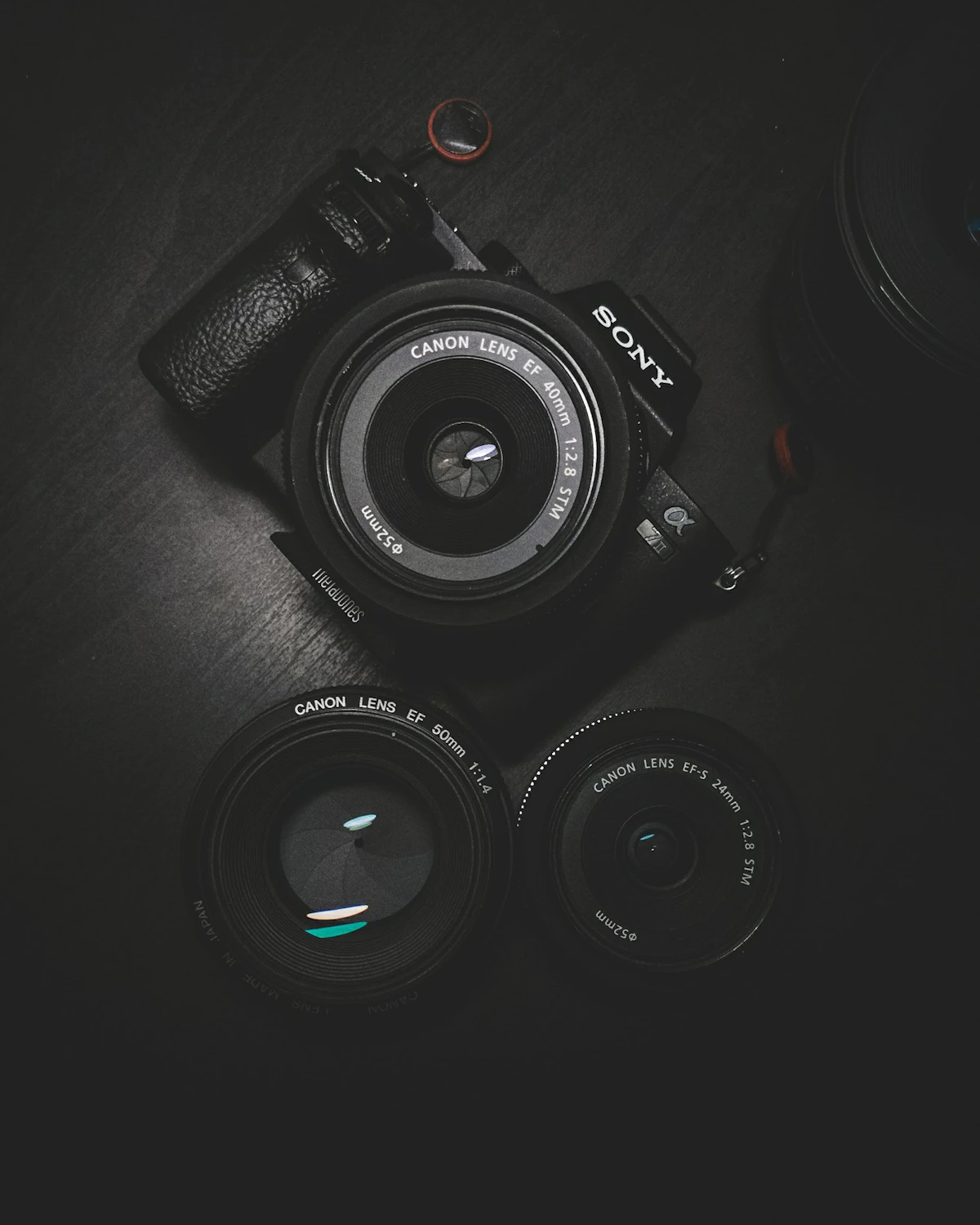
The diffuser is supplied as a portable accessory for an existing flash setup. It is intended to be set up quickly, packed away easily and used where a less direct flash quality is needed.
Confirm that the diffuser size and strap arrangement can sit securely around your flash unit.
Position the diffuser at the front of the flash and secure the rear strap without blocking controls.
Test exposure and flash position for the subject distance, surroundings and desired level of softness.
Browse related accessories from the flash and camera support categories.
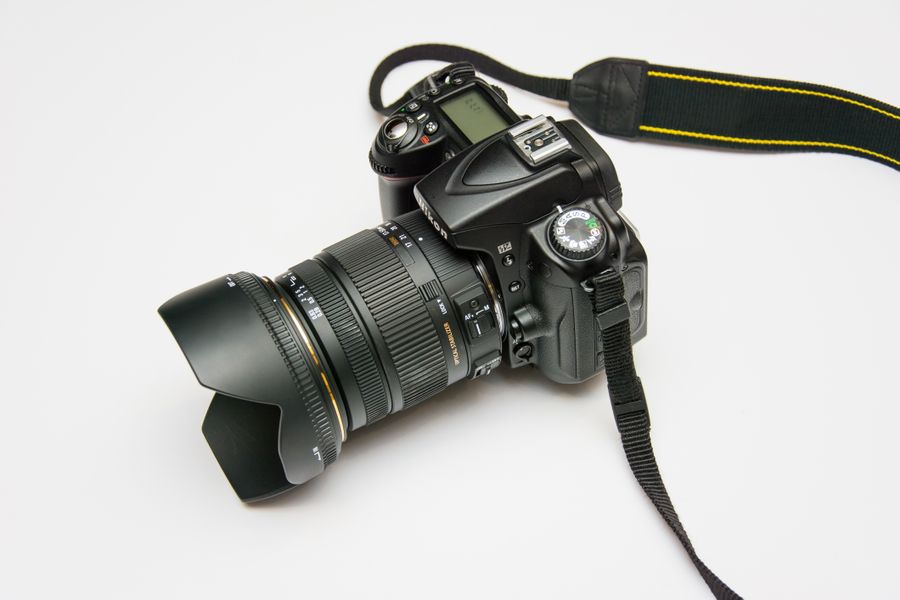
Compact directional accessory for shaping a small flash source.
View product →
Support hardware for positioning a flash unit away from camera.
View product →
A diffuser increases and softens the surface through which flash light travels. It can reduce the direct appearance of the source, depending on distance, surroundings and flash settings.
Choose based on the flash head, available working space and the coverage you need. The listed options are 7 × 6 in and 8 × 12 in.
The unit attaches with a Velcro strap at the rear. Check that the strap can sit securely around your flash before use.
No. The product includes the diffuser and a zipper pouch. Flash units and mounting hardware are separate.
It can be a useful compact modifier for portrait and close-subject flash work. Test the result at your intended subject distance before a session.
Visit the instructions area for available equipment guidance, or contact Cowboy Studio with the flash details you are working with.